Author: qadir

  • Meta Announces Muse, a Personal AI Agent for Everyone

    Meta Announces Muse, a Personal AI Agent for Everyone

    Meta recently announced the launch of Muse, an AI-powered personal agent intended for general users. Muse is positioned as a next-generation assistant that can help with everyday tasks, information retrieval, organization, and creative collaboration. The announcement follows Meta’s ongoing investment in large language models and AI integration across its apps and platforms.

    What Is Muse?

    Muse is built on top of Meta’s latest language models, with the goal of providing a more conversational and helpful experience than previous AI assistants. It can answer questions, help manage schedules, generate ideas, and automate tasks. Meta describes Muse as accessible and customizable for individuals, rather than focused on enterprise or developer-exclusive features.

    Key Capabilities

    • Muse works across Meta’s services like Facebook, Messenger, and WhatsApp.
    • It can help with planning and reminders, finding information, and acting as a collaborative partner for writing, brainstorming, and research.
    • Muse is designed to learn from user preferences over time to tailor its help and suggestions.

    For Developers and Users

    As a full-stack developer, this signals a potential shift toward richer AI integration in everyday apps. Expect Muse to offer API hooks or SDKs for extended automation in the future, though the initial focus is mainstream users. Watching how Meta integrates Muse into chat workflows and productivity tools will be important, especially for customer-facing or collaborative applications.

    What To Do Now

    • Keep track of Muse’s rollout, its public documentation, and any developer preview programs.
    • Explore early user feedback for real-world strengths and weaknesses in typical workflows.
    • Consider how similar assistant features could enhance your own projects, particularly around user productivity or support.
  • Asana cuts model costs 76x in browser tests with GPT-6.1 Sol

    Asana cuts model costs 76x in browser tests with GPT-6.1 Sol

    The update on 2026-10-09 from OpenAI details how Asana integrated GPT-6 Astra in Codex to optimize their browser-based agent. This move resulted in a 76x reduction in model operation costs and delivered a 5x speed increase according to Asana’s browser testing.

    What changed

    • Asana upgraded their browser agent infrastructure to use the GPT-6 Astra model, called Sol, within their Codex integration.
    • This brought substantial performance improvements (faster response, lower operational cost) for customer-facing automation features.

    What to do

    • If you run automations or browser agents for customers at scale, note that newer model integrations (e.g., GPT-6+ compatible) could yield significant savings and higher throughput.
    • Review your system’s ability to support the latest Codex and model endpoints, as these results suggest it’s worth piloting upgrades if feasible.

  • Asana Cuts Browser Agent Costs 76x Using OpenAI GPT-6 Astra

    Asana Cuts Browser Agent Costs 76x Using OpenAI GPT-6 Astra

    This note covers the OpenAI post “Asana cuts model costs 76x in browser tests with GPT-6.1 Sol,” dated 2026-10-09 (source).

    What Changed

    Asana moved their browser agent over to OpenAI’s GPT-6 Astra in Codex. In testing, this upgrade reduced their model costs by 76x. Performance improved too, with speed increasing approximately 5x.

    What This Means for You

    • If you work with browser agents or want to scale usage affordably, migrating to GPT-6 Astra from previous LLMs (likely 4.x or early 6.x) offers massive savings.
    • Asana’s results suggest the new model is more capable, and also delivers results much faster. This can enable richer or more complex tasks in browser automations.
    • If you’re using OpenAI Codex endpoints, check your current models in use—6 Astra may offer instant savings and performance improvements.

    Takeaways

    • Upgrade to GPT-6 Astra in Codex where possible.
    • Revisit any cost-sensitive browser agent logic—there may be room to increase reliability or add features for free.

  • Asana cuts browser agent model costs 76x using GPT-6 Astra in Codex

    Asana cuts browser agent model costs 76x using GPT-6 Astra in Codex

    I just reviewed the OpenAI update from October 9, 2026 about Asana’s browser agent improvements.

    What changed?

    Asana integrated the GPT-6 Astra model through Codex to power its browser agent. In their tests, Asana reports that running the agent with GPT-6 Astra reduced model costs by 76 times and increased speed by 5 times compared to their previous approach. The goal is to make more advanced models available to customers without prohibitive costs or latency.

    What to do now

    • If you’re building browser automations or AI-powered agents in a SaaS context, look at GPT-6 Astra’s capabilities and consider Codex as the stack for substantial cost and speed benefits.
    • Monitor Asana’s next releases—customers are expected to see more advanced AI features now that lower costs and latency are possible.
    • Use these benchmarks if you’re making the business case for integrating the latest LLMs in production environments.

  • Sophos Reduces Threat Investigation Time by 96% Using OpenAI Daybreak

    Sophos Reduces Threat Investigation Time by 96% Using OpenAI Daybreak

    According to OpenAI (2026-10-09), Sophos has integrated OpenAI’s Daybreak system into its Managed Detection and Response (MDR) operations. The impact is significant: threat investigation times have dropped by 96%, and 52% of MDR cases are now automated, all while preserving human oversight and quality assurance.

    What’s Changed

    • Investigation Speed: Threat analysis that previously would take much longer is now resolved in a fraction of the time.
    • MDR Automation: Over half of MDR workflows are auto-processed by Daybreak’s AI.
    • Human Review: Automation is combined with expert human review for critical decisions, ensuring sophisticated oversight.

    What You Should Do

    1. Consider leveraging AI systems like Daybreak to reduce response times for incidents in your own security or ops workflows.
    2. Monitor which routine cases can be confidently automated, but make sure high-stakes decisions remain under human control.
    3. Prepare your team to collaborate with AI decision-support—clear escalation paths and QA steps are key.

    Takeaway

    Daybreak has allowed Sophos to scale its MDR effectiveness without sacrificing quality, showing how AI can maximize both efficiency and trust in operational security environments.

  • Sophos Accelerates Threat Investigation with OpenAI Daybreak

    Sophos Accelerates Threat Investigation with OpenAI Daybreak

    Based on ‘Sophos cuts threat investigation time by 96% with OpenAI Daybreak’ from OpenAI (2026-10-09), here are the main takeaways: source.

    What Changed

    Sophos integrated OpenAI’s Daybreak product into their Managed Detection and Response (MDR) pipeline. This led to a significant drop—96%—in threat investigation time and enabled automated resolution or action on 52% of the cases that previously needed direct human involvement.

    How Daybreak Was Used

    • Daybreak uses large language models to analyze, summarize, and help resolve potential security incidents.
    • It operates with human oversight: analysts can review or override suggestions made by the system.
    • Focus is on speeding up “threat triage” and reducing manual workload for security analysts.

    What to Do About It

    • If you manage incident response or security operations, consider exploring generative AI tools for automating the initial investigation and triage.
    • Integrate AI workflows that include checkpoints for human approval, especially for critical actions.
    • Monitor how much workload is shifting and track improvements to response time after introducing these tools.
    • Stay alert to changes in workflow and the kinds of cases that still require human expertise.

  • A model that only has to know React

    A model that only has to know React

    On 1 October 2026 Callstack made Apex generally available. It is a coding model for everyday agent work, with the stated strength in React Native and Next.js: features, failing builds, review, and tests, inside the editor you already use. The post is on Callstack’s blog. It is offered through the Apex API, with Vercel AI Gateway planned and commercial self-hosting for teams that want it on their own machines.

    The base model moved. The first Apex sat on Gemma 4. This one sits on Qwen. Callstack’s claim is the data, the evaluations, and the deployment around that base, not a new architecture. Native iOS and Android models are the stated next step. They are also building tools so an agent can operate a mobile app and keep evidence of what the screen did.

    Specialization is a serious entry in the race

    A general model that can write Rust, SQL, and a React screen will still write a React Native screen that looks right and breaks on the device. I have spent four years in that stack. The failures are specific: navigation state, lists that drop frames, a style that works on iOS and not Android. A model aimed at that surface is allowed to be worse at everything else.

    I would still read the diff. Specialization does not remove the need for a running app. The useful part of their roadmap is the tool that drives the simulator and saves what happened. A passing paragraph about a component is weaker than a screenshot of the screen the agent just opened.

    How I would try it

    • One real Next.js bug and one real React Native bug, not a greenfield demo.
    • The same tasks on the general model you already pay for.
    • Keep the winner only if the specialized model is cheaper or more often right on those tasks.

    The model race is no longer one ladder. This month has a frontier agent, a small open coder, and a React specialist. Use the one whose narrowness matches the files in front of you.

  • A coding model you can keep in the building

    A coding model you can keep in the building

    JetBrains released Mellum 2.1 this month. It is still the 12 billion parameter mixture-of-experts model from June, with about 2.5 billion parameters active, under Apache 2.0. What changed is the training after pretraining: reinforcement learning inside real environments, millions of sandboxed runs, until the model could explore a repository, edit files, and check the result. The announcement is on the JetBrains blog.

    Mellum 2 was fast and not good enough inside a codebase. 2.1 is the version they are willing to call a worker: find why a test failed, draft a fix, look again. GGUF builds for local runners are still on the way. The weights are on Hugging Face.

    The race is also about where the model sits

    Frontier models are getting the headlines. A 12 billion parameter model that you can run next to the repository is the other lane, and it is the one a company with a private codebase actually asks me about. The code does not have to leave the building for every keystroke.

    I would not hand it the whole job. JetBrains is clear that it improved as a piece of an agent: root cause, a patch, a check. That matches how I already want routing to work. A small model touches the files. A stronger model gets the ambiguous design question. The diff is what you review, not the paragraph about the diff.

    What “checks its own changes” still needs

    1. Tests that already exist. A model that runs them is only as honest as the suite.
    2. A sandbox. Millions of training runs were sandboxed. Your laptop should be too.
    3. A human on the merge. Self-check is not review.

    If you are picking a model for a coding agent this week, ask where the weights run before you ask which benchmark won. Mellum 2.1 is interesting because the answer can be your own machine.

  • The agent that is supposed to remember

    The agent that is supposed to remember

    On 12 October 2026 Meta released Muse Wonder and Muse Wonder Full, aimed at personal and professional agents rather than a single chat reply. Muse Wonder is on the Meta Model API and in Muse Code. Wonder Full is for Muse Code subscribers. Meta’s write-up is here, and the research note is here.

    The names to remember are Active Memory and Active Focus. Memory is how the model keeps what matters across a long task. Focus is how it stays on that task instead of wandering into a plausible side quest. Meta trained both on long-running work: reading a lease, following a claim, building an app, revising code after tests fail.

    A long task is a product problem

    Most of the model race this month has been about which weights answer a prompt. Wonder is about an agent that is still working after the prompt is gone. That is closer to the software I actually ship. A CRM workflow, a migration, a support case: the value is finishing, not the first paragraph.

    Memory is also the risk. A personal agent that can see messages, calendars, and documents will eventually be asked to use one of them. Meta says the family is trained not to share private information without permission, and still to help defensive security work. I would not take that sentence as an access policy. In a product, memory needs a boundary you can read: what was stored, for which task, and who can delete it.

    What I would wire up

    • A task record the agent writes to, separate from the person’s whole archive.
    • A stop when the next action sends data outside that task.
    • A person on anything that pays, deletes, or messages someone else.

    Wonder Full being subscriber-only is the same split we keep seeing. The name of the family is not the name of the model your app will call. Pin the id.

    If you are comparing frontier agents this week, judge them on a task that takes an hour and touches private files. A benchmark score will not tell you whether the memory should have been saved.

  • Search on the device, not only in the prompt

    Search on the device, not only in the prompt

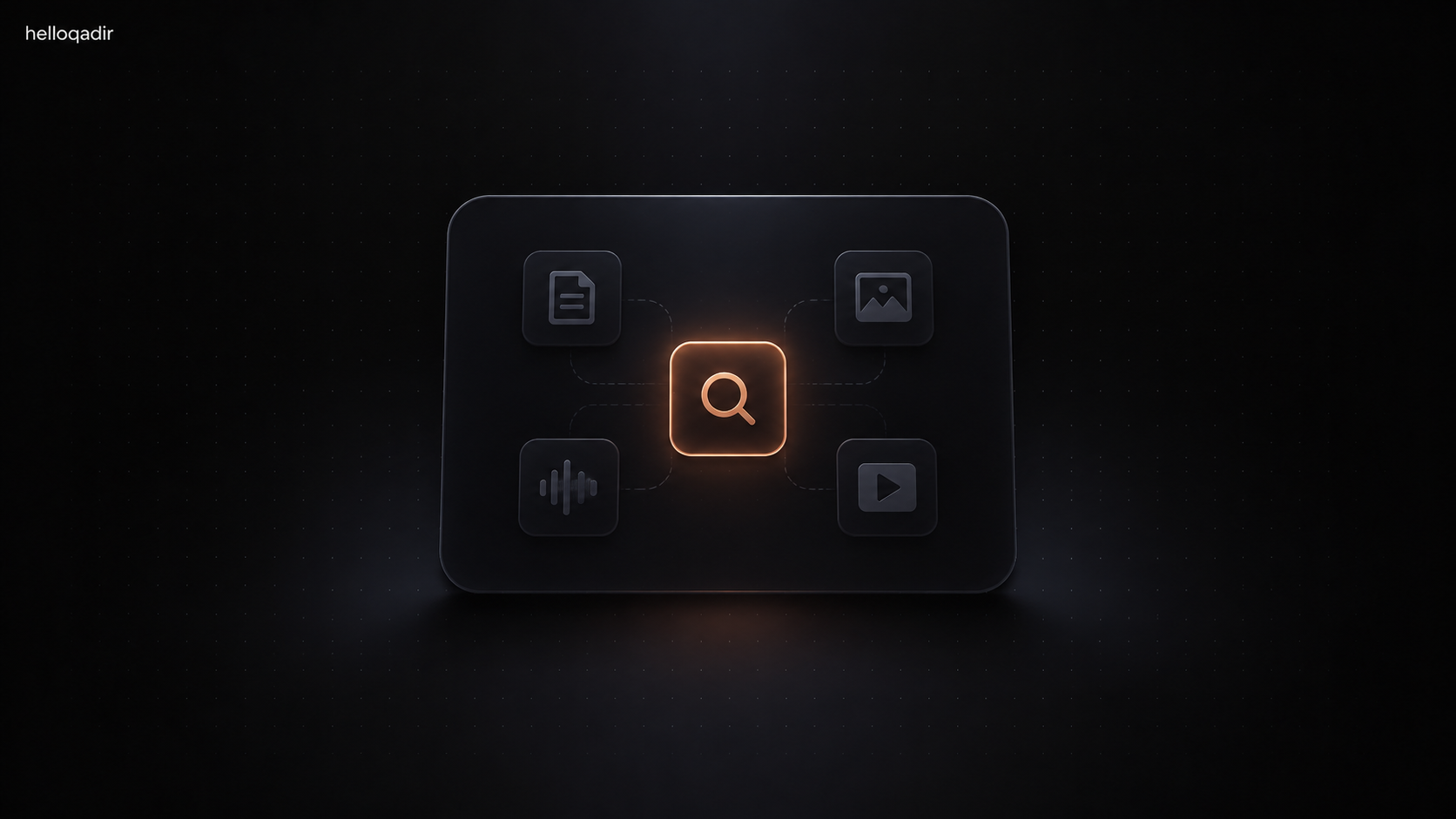
    On 6 October 2026 Google released EmbeddingGemma 2, a 740 million parameter embedding model under Apache 2.0. It maps text, code, images, audio, and video into one space, and it is sized to run on a laptop or a phone. The details are in Google’s post. The first EmbeddingGemma, text only, had already passed 20 million downloads. This one is the version I would actually plan a feature around.

    The generator was never the search engine

    A lot of AI features in products are a prompt with a pile of documents pasted in. That works until the pile is a year of call recordings, a design archive, or a codebase. Embeddings are the unglamorous half: turn each item into a vector, retrieve a few, then let a generative model talk.

    EmbeddingGemma 2 is interesting because the retrieval can stay on the machine. Google’s numbers put code retrieval well up from the previous model on MTEB Code, and the same weights cover images, documents, video, and audio. A voice memo can point at a clip. A sentence can point at a function. You do not need a separate specialist model for each.

    Where I would use it

    • A local search over a repo before a coding agent reads files.
    • A client portal where contracts should not leave the laptop just to answer which PDF mentioned the penalty.
    • A media library: find a frame or a sentence without uploading the archive to a chat product.

    It pairs with Gemma 4 for the answer step, and they share a text tokenizer and audio encoder, so the combined footprint is smaller than bolting two unrelated models together. That matters on a device. It matters less on a server you already pay for.

    What I would not pretend

    On-device does not mean correct. A 740 million parameter model will miss a clause a careful reader would catch. I would show the hit, the timestamp, or the file path, and let the person open it. Retrieval you can inspect is more honest than a paragraph with no source.

    For a product studio, this release is a reminder. The model people talk about writes the sentence. The model that makes the product feel like it knows your files is the one that embeds them, and it can live next to the files.